
If you spend any time watching tech YouTubers or hanging out on online communities, you’ve probably heard VPNs mentioned. They’re often recommended in video descriptions, podcasts, or Reddit threads. It’s easy to ignore at first, but after a while, it makes you wonder if you’re missing out on something that could be an internal part of your digital lifestyle.
For newcomers, it’s not always clear what a VPN actually does, whether it’s necessary, or if it truly protects your privacy.
Some people see VPNs as essential digital armor. Others assume they’re only for people trying to sidestep bans, torrenting, or travelers watching foreign Netflix libraries. The truth sits somewhere in the middle.
This guide breaks down what a VPN is, what it can (and can’t) do, and how to decide if using one makes sense for you.

What You Can Do With a VPN
Let’s start with a simple definition. A VPN (Virtual Private Network) creates an encrypted tunnel between your device and the internet. Instead of websites seeing your real IP address and location, they see the IP address of the VPN server you’re connected to.
As you may know, your IP address is a main point of data that allows websites and online services to determine your location and to build information about your account activity. Thus, hiding your true IP gives your online privacy a big boost right out of the gate.
With a VPN, you can do quite a bit more than simply conceal your location. By routing your connection through a secure server, a VPN changes how your data moves across the internet and how websites see your device. In practical terms, this opens up several everyday benefits:
- Add a layer of privacy when browsing the web
- Protect your data on public Wi‑Fi networks
- Access region‑locked websites and content
- Reduce tracking by advertisers and ISPs
- Mask your real location and IP address
To be clear, a VPN doesn’t give you complete anonymity. It’s more about gaining control over how your data travels.
Does Your Average Internet User Need a VPN?
Not everyone needs a VPN, but many could benefit from one without realizing it. If you’re not online much, browse trusted sites at home, and never use public Wi‑Fi, your risk exposure is relatively low.
However, a VPN becomes an essential tool if you:
- Use public Wi‑Fi in cafés, airports, or hotels
- Travel frequently
- Value online privacy and have concerns about data collection
- Stream content from multiple regions
- Work remotely or access sensitive accounts
Think of a VPN like insurance. You might not rely on it every time you access the internet, but when you need it, you’re glad it’s there. It gives informed, tech-savvy people peace of mind.

What Are the Pros and Cons of Using a VPN?
Not only does looking at the pluses and minuses help you decide if you need a VPN, but it also clarifies when you should use one and when you should disable it.
Pros
Let’s have another quick look at why a VPN can be a game-changer. Using one comes with several clear advantages, particularly for users who value privacy, security, or flexibility in how they access the internet:
- Encrypts your internet traffic
- Hides your IP address from websites and ISPs
- Improves security on unsecured networks
- Enables access to geo‑restricted content
Cons
That said, VPNs are not without trade-offs. Understanding the downsides keeps your expectations realistic:
- Typically, has slightly slower internet speeds (depending on the server)
- Subscription costs for reputable services
- Your VPN isn’t guaranteed to work for some applications, such as unlocking geo‑restricted content
- Doesn’t make you fully anonymous
To sum it up, a VPN is a powerful tool, but it’s not a magic privacy switch.
Are VPN Services Worth It?
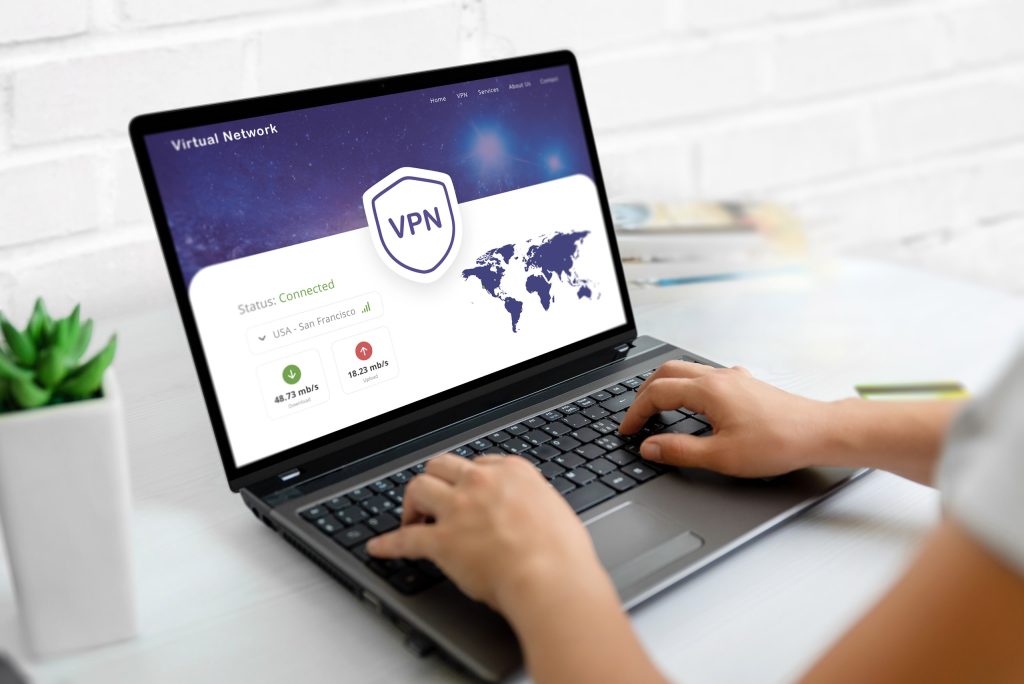
For most, paid VPN services are justifiable.
Anyone who compares a free VPN with a paid one immediately sees why. Free options often come with limits, ads, weaker encryption, or questionable data practices. A free service might get you by if you use it for the occasional inconsequential task, but for anything beyond that, you want a real VPN.
If you value privacy, convenience, and consistent performance, look at getting a VPN subscription as a long‑term investment.
How to Choose a VPN
Selecting a VPN can feel overwhelming at first. There’s no shortage of choices, and if you ask for recommendations online, it seems like everyone swears by a different service.
Instead of focusing on opinions or experience you see on apps such as Reddit, it’s best to evaluate providers based on fundamentals that directly impact privacy, performance, and reliability. Key factors to look for include:
- A clear no‑logs policy
- Strong encryption standards
- A large server network across multiple countries
- Good performance and reliability
- Apps for your preferred devices
Independent audits, long‑standing reputations, and clear privacy policies matter more than bold claims. If you take the time to learn about the technologies under the hood, you’ll be rewarded when you make an informed decision.
Check out the top 3 VPNs recommended by LetMeBy here.
Using a VPN on Different Devices
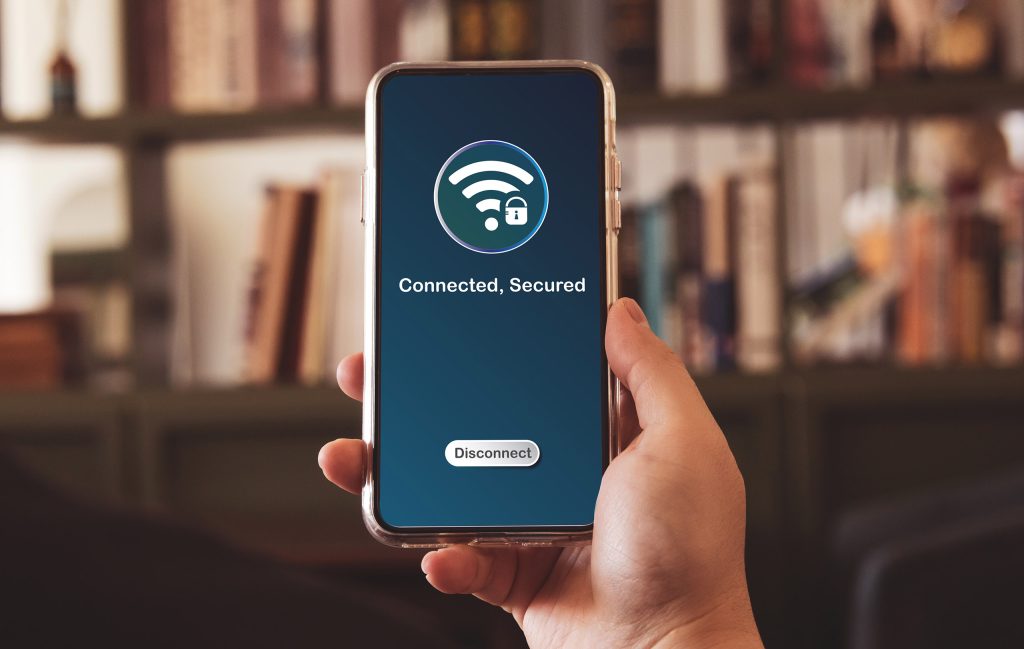
VPNs have come a long way over the years. Since using multiple devices became a part of most people’s daily routine, they’ve leveled up on flexibility. Most providers offer dedicated apps and setup guides that make it easy to protect multiple devices without advanced technical knowledge. Modern VPNs support platforms such as:
- Windows and macOS computers
- iOS and Android smartphones
- Tablets and Chromebooks
- Routers, smart TVs, and streaming devices
Many subscriptions allow several devices at once, making it easy to protect your phone, laptop, and home network under one account.
Unlock Geo‑Restricted Streaming
For many, especially those who live outside the US, it’s natural to want to explore if the grass is greener on the other side when it comes to access to TV shows and movies. Thus, one of the most popular and widely discussed uses for VPNs is streaming.
Because streaming platforms license content by region, what you can watch can depend on where you’re located. To bypass this limitation, a VPN makes it appear as though you’re browsing from another country.
While results vary by service and platform, this feature is especially appealing to frequent travelers or expats who want to regain access to some of their favorite content.

Stop Bandwidth Throttling
Bandwidth throttling is a lesser-known but frustrating issue. Some internet service providers intentionally slow down certain types of traffic, such as streaming video or large downloads, especially during peak hours. Since a VPN encrypts your traffic, your ISP can’t easily detect your activity, which may help reduce throttling in some cases.
This isn’t a sure thing, but many users notice more consistent speeds when using a VPN.
Advanced VPN Features You Should Know About
Since you’ve made it this far, let’s go beyond the basics.
Outside of basic encryption and IP masking, many modern VPN services include additional tools designed to improve security, usability, and give you peace of mind. These features usually aren’t highlighted when you’re researching VPNs, but they add meaningful value over time:
- Kill switches that cut internet access if the VPN drops
- Split tunneling to choose which apps use the VPN
- Multi‑hop connections for added privacy
- Built‑in ad, tracker, or malware blocking
These features aren’t essential for beginners, but they’re worth exploring as you get more accustomed to using your VPN.

Conclusion
It’s always important to clearly divide a need and a want. You took that step by doing your research about VPNs and making it to the end of this article.
A VPN isn’t mandatory, but it’s increasingly relevant in a world where data collection, tracking, and online restrictions are the norm. Whether you’re protecting yourself on public Wi‑Fi, streaming content abroad, or simply wanting more control over your online footprint, a VPN is a practical tool.
The key is understanding what a VPN does and what it doesn’t. Used wisely, it enhances your digital life rather than overcomplicating it.